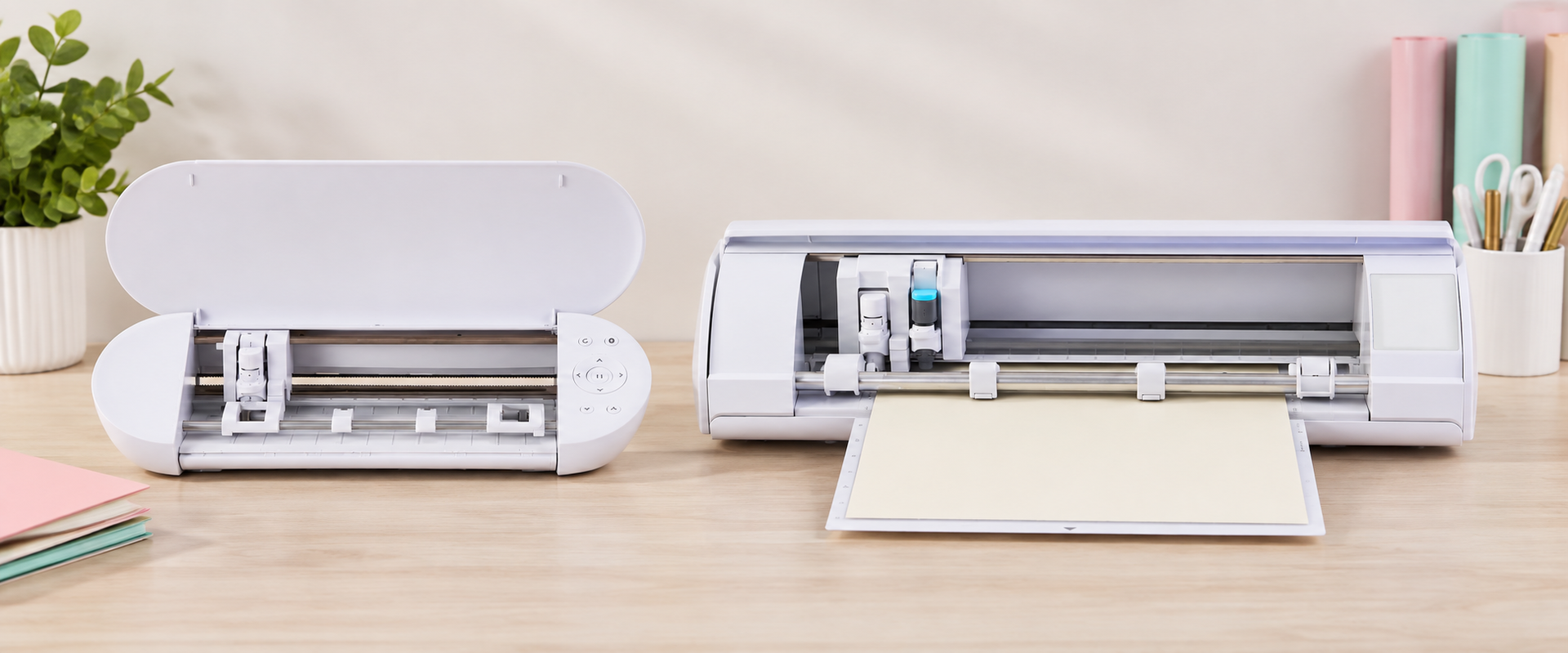
Cricut vs Silhouette: A Beginner’s Guide to Choosing the Right Cutting Machine
Choosing between a Cricut and a Silhouette can be confusing, especially when you're buying your first cutting machine. Both brands can create everything from cake toppers and cards to stickers, vinyl projects, personalised gifts and party favours, but the best machine for you depends on what you want to create, how you prefer to work and your budget.
At The Craft Lane, we work with both Cricut and Silhouette machines and train crafters to use them, so we know that there isn't one machine that's automatically “best” for everyone. In this guide, we'll break down the key differences to help you understand what to consider before making your choice.
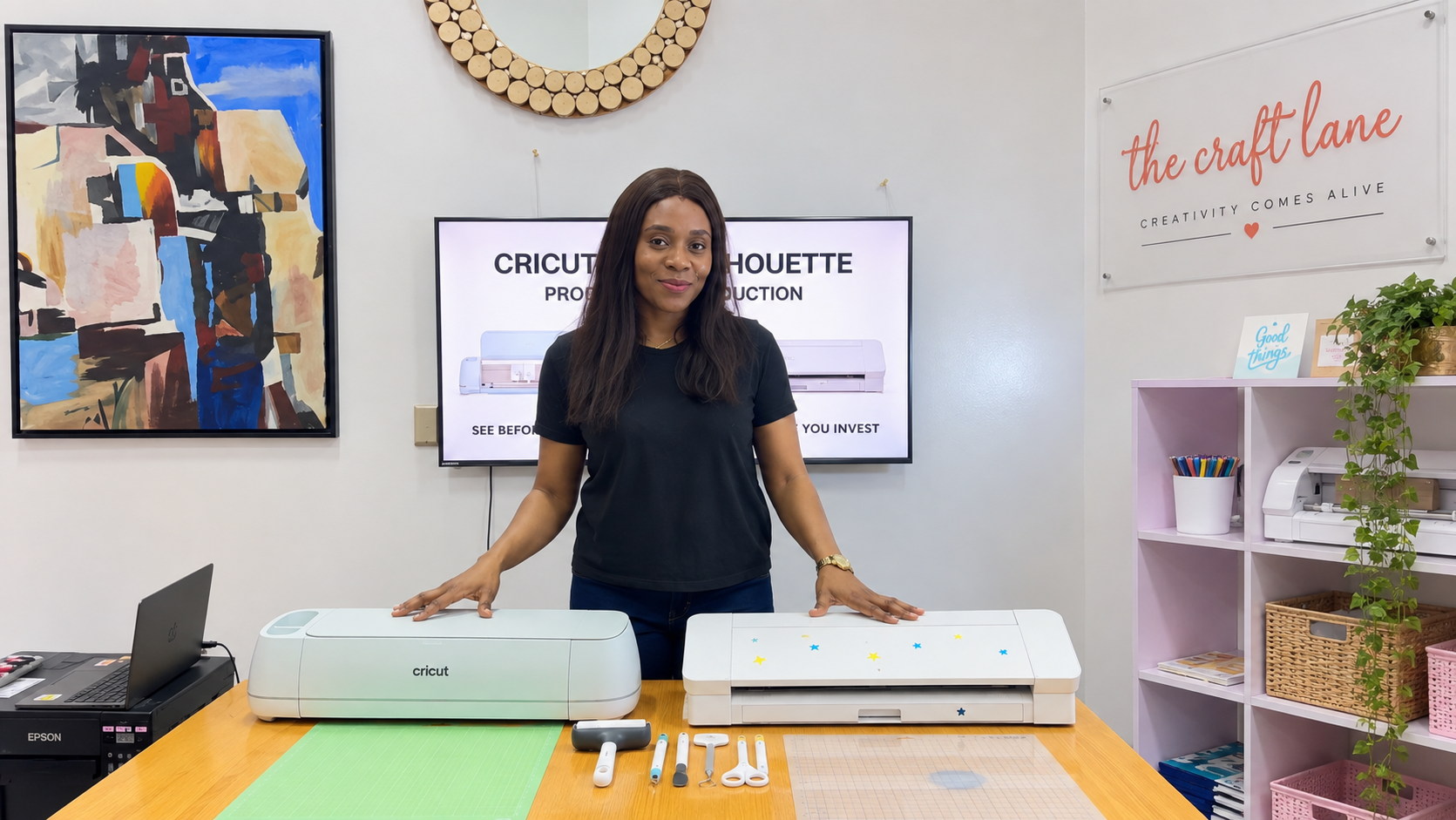
Cricut vs Silhouette: What Is the Main Difference?
Cricut and Silhouette are two of the best-known brands of electronic cutting machines. Both offer machines capable of cutting materials such as cardstock, vinyl, sticker paper and other craft materials, depending on the specific model and tools being used.
One of the biggest differences is the experience surrounding the machine, particularly the software. Cricut machines work with Cricut Design Space, while Silhouette machines use Silhouette Studio.
Design Space is generally more streamlined, while Silhouette Studio gives users more control over designing and editing directly within the software.
That does not mean Cricut is automatically better for beginners or Silhouette is only for advanced users. Both can be learned by a complete beginner. The better choice depends on the projects you want to create, the features you need and the way you prefer to work.
Which machine is easier for beginners?
Both Cricut and Silhouette can be used successfully by complete beginners. The learning experience is slightly different, but neither machine requires you to have previous crafting or design experience before you start.
Cricut Design Space has a relatively simple interface and guides users through many of the steps involved in setting up and sending a project to the machine. This can make the initial experience feel straightforward for someone using a cutting machine for the first time.
Silhouette Studio offers more design and editing tools directly within the software. There may be more features to become familiar with, but beginners can start with the basic functions and gradually learn the more advanced tools as their skills develop.
In practice, the easiest machine is often the one you have been properly taught how to use. With the right guidance, a complete beginner can learn either Cricut or Silhouette and confidently create projects with it.
Rather than choosing a machine simply because you've heard that one is “easier,” consider what you want to create, the software experience you prefer and the features you'll actually need.
Software comparison: Design Space vs Silhouette Studio
The software is one of the biggest differences between Cricut and Silhouette because it affects how you design, edit and prepare your projects before cutting.
Cricut Design Space
Cricut machines use Cricut Design Space. The software has a clean, relatively straightforward interface and allows you to upload designs, add text and shapes, arrange your project and send it to your Cricut machine.
It also provides access to ready-made projects, images and fonts, although some content requires a Cricut Access subscription or separate purchase. You do not need a Cricut Access subscription simply to use your Cricut machine.
Silhouette Studio
Silhouette machines use Silhouette Studio, which provides more design and editing tools directly within the software. Users can create and edit designs, trace images, add offsets, work with text and prepare projects for cutting.
The basic edition is free and provides the essential tools needed to get started. Paid upgrades are available to users who want additional design features, and file compatibility as their skills develop.
The main difference is flexibility versus simplicity. Design Space provides a more streamlined experience, while Silhouette Studio gives you greater control over designing and editing within the software itself. Which one you prefer will depend on how you like to work.
What can Cricut and Silhouette machines cut?
Both Cricut and Silhouette machines can work with a wide range of popular craft materials, although the exact materials, thicknesses and tools supported will depend on the specific machine model you choose.
Common materials include:
- Cardstock and paper
- Permanent and removable adhesive vinyl
- Heat transfer vinyl (HTV/iron-on)
- Sticker paper and printable media
- Specialty papers and cardstock
- Selected fabric and other materials, depending on the machine and compatible tools
What Can You Make With Them?
Both brands can be used to create a huge variety of craft products, including cake toppers, greeting cards, stickers, labels, personalised gifts, party favours, vinyl decals, packaging, iron-on designs and decorations.
This is why I don't recommend choosing a machine based only on a long list of materials it claims to cut. Think first about the products you actually want to make, then check whether the particular machine model has the features, cutting size and compatible tools you need.
How does Print Then Cut work on each brand?
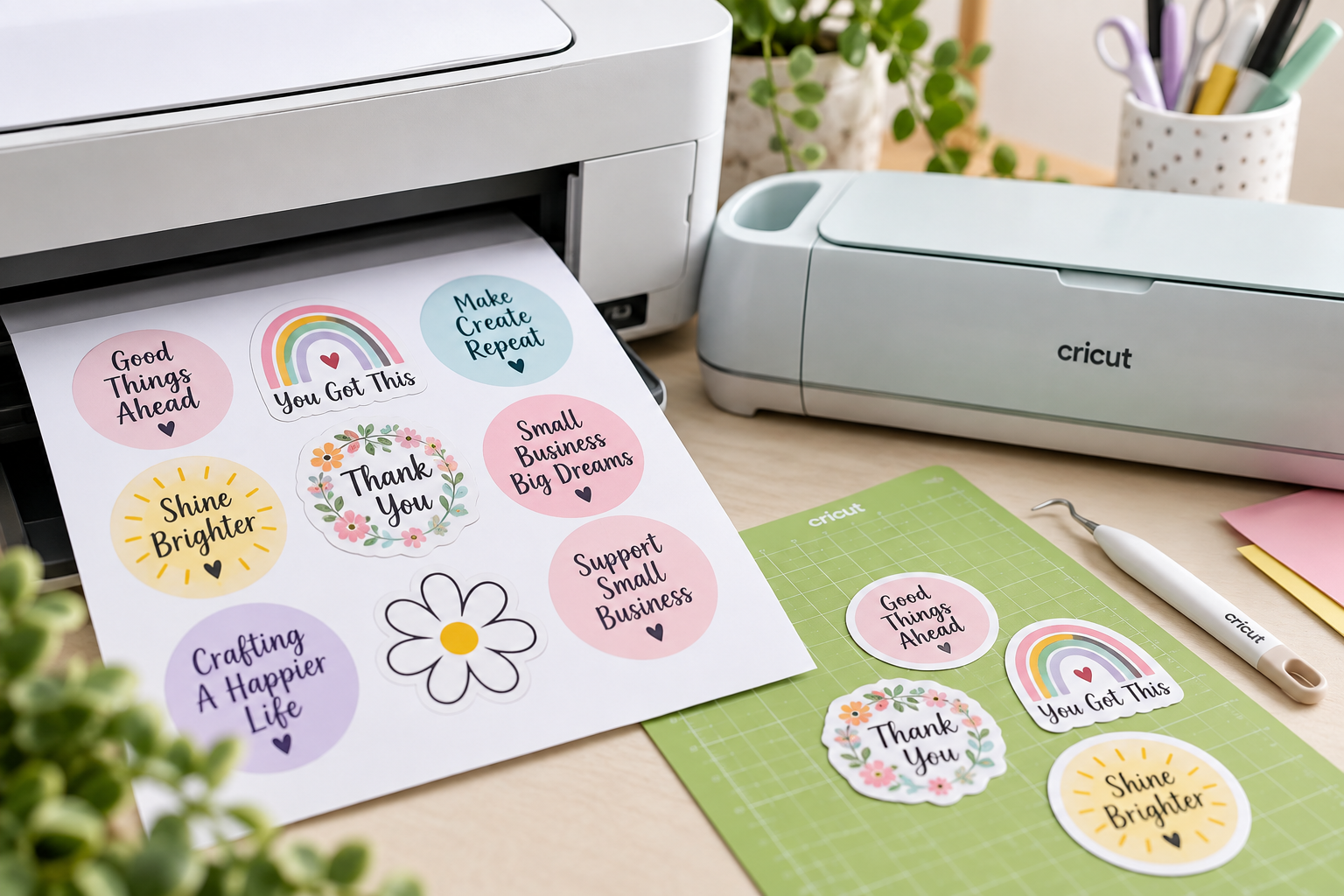
Print Then Cut allows you to create or upload a design, print it using a compatible printer, and then use your Cricut or Silhouette machine to cut around the printed design. It's particularly useful for creating stickers, party favours, labels, printed cake toppers, packaging and other full-colour personalised projects.
Both Cricut and Silhouette offer Print Then Cut functionality, although the setup and registration systems differ between Cricut Design Space and Silhouette Studio. The exact printable area and supported settings can also vary depending on the machine, software and material being used.
If Print Then Cut will be an important part of your craft business, don't consider the cutting machine alone. Your printer, print quality, printable materials and ability to correctly set up and calibrate the machine will all affect your finished results.
Tip: If you plan to make mainly printed products, factor the cost of a good printer into your overall setup budget.
Which brand is better for craft businesses?
Both Cricut and Silhouette can be excellent machines for a craft business. The better choice isn't necessarily the machine with the longest feature list, it's the one that works efficiently for the products you intend to sell.
For example, someone planning to specialise in cake toppers and paper crafts may have different requirements from someone producing stickers, personalised gifts, vinyl products or party favours.
Your expected production volume, preferred software, cutting size and the availability and cost of replacement blades, mats and other accessories should all influence your decision.
Before choosing a machine for your business, consider:
- What products do you intend to sell?
- How frequently will you use the machine?
- What size projects will you typically produce?
- Will your products require Print Then Cut?
- Do you already own a suitable printer?
- Are replacement blades, mats and other accessories readily available to you?
- What is your total budget for the complete setup, not just the machine?
One mistake new crafters sometimes make is spending most of their budget on the cutting machine and only later discovering that they also need a printer, materials, tools, replacement accessories and other equipment to produce the products they had in mind.
Think about the complete craft setup before choosing the machine.
Budget and ownership costs
The price of the cutting machine is only one part of your investment. Before setting your budget, consider the other tools and supplies you'll need to actually create the products you have in mind.
Depending on your projects, your overall setup may include:
- Cutting machine
- Cutting mats and replacement blades
- Cardstock, vinyl and other craft materials
- Basic craft and finishing tools
- Printer and ink for Print Then Cut projects
- Printable media such as sticker paper or photo paper
- Additional machine tools or accessories
- Software upgrades or design subscriptions, if required
- Training or technical support
You don't necessarily need to buy everything at once. Start with the equipment and materials required for the products you actually intend to make, then expand your setup as your skills and business grow.
A more expensive machine isn't automatically the better investment. Likewise, choosing the cheapest machine simply to reduce your initial cost can become limiting if it doesn't support the projects you eventually want to create.
Your goal should be to buy the right machine for what you need, not simply the cheapest or most expensive option available.
Which machine should you choose for your projects?
There is no single Cricut or Silhouette machine that is right for every crafter. Start with the products you want to create, then work backwards to determine the features you actually need.
If you're mainly interested in cake toppers, cards and paper crafts, consider the cutting size you need and how comfortably the machine handles the cardstock and other materials you plan to use.
If you're interested in stickers, party favours, labels or other printed products, Print Then Cut will be particularly important, and you'll also need to consider the printer you'll be using alongside your cutting machine.
For vinyl, personalised gifts and iron-on projects, consider the sizes you intend to produce, the materials you'll work with and the compatible tools and accessories available for the machine.
If you're buying for a craft business, also think beyond what you want to make today. Consider whether the machine gives you enough room to expand into other products as your skills and business grow.
Don't choose Cricut simply because someone says it's easier, and don't choose Silhouette simply because someone says it offers more design freedom. Choose according to what you actually need the machine to do.
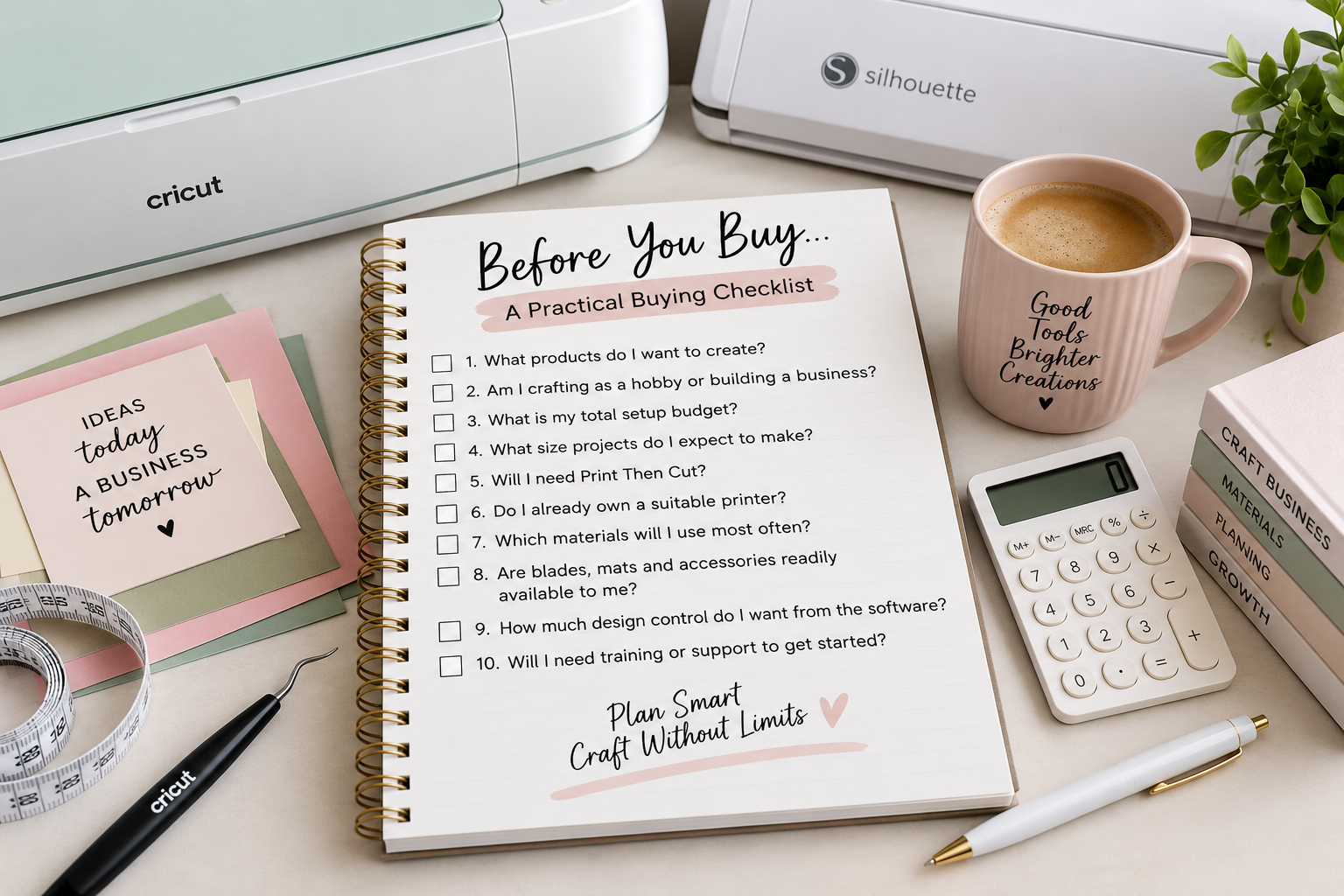
A practical buying checklist
Before you buy, ask yourself:
- What products do I want to create?
- Am I crafting as a hobby or building a business?
- What is my total setup budget?
- What size projects do I expect to make?
- Will I need Print Then Cut?
- Do I already own a suitable printer?
- Which materials will I use most often?
- Are blades, mats and accessories readily available to me?
- How much design control do I want from the software?
- Will I need training or support to get started?
If you can answer these questions clearly, choosing the right machine becomes much easier. If you can't, it may be worth getting personalised advice before spending money on a machine that doesn't suit your needs.
For hands-on help, see Training or Consultation & Troubleshooting . Practical guidance can help you avoid buying a machine that does not match your intended projects.
Frequently asked questions
Can a complete beginner use a Cricut or Silhouette?
Yes. Both Cricut and Silhouette can be learned by complete beginners. The software and workflow differ, but with proper guidance and practice, you can confidently learn either system.
Do I need a printer to use a Cricut or Silhouette?
No. A printer isn't required for projects that involve cutting materials such as cardstock or vinyl. However, if you want to create Print Then Cut projects such as stickers, printed party favours or labels, you'll need a suitable printer.
Do I Need a Laptop to Use a Cricut or Silhouette?
Not necessarily. Both Cricut and Silhouette can be used with compatible mobile devices, while a laptop or desktop computer provides more flexibility for designing and more advanced projects.
Do I need a subscription to use the machines?
No. You don't need a monthly subscription simply to operate either machine. Cricut and Silhouette both offer optional paid content, features or software upgrades depending on what you want to use.
Can I use a Cricut or Silhouette to start a craft business?
Yes. Both machines can be used to produce sellable craft products such as cake toppers, cards, stickers, labels, party favours, vinyl projects and personalised gifts. Your choice of machine should be based on the products you intend to make and the features required to produce them efficiently.
Can a cutting machine help me start a craft business?
Yes. A cutting machine can support products such as labels, cards, stickers, apparel, cake toppers and party favours. Success also depends on design quality, pricing, material costs, production consistency and marketing.
Cricut or Silhouette: Which One Should You Buy?
Both Cricut and Silhouette are capable cutting-machine systems, and there isn't one brand that's automatically the right choice for everyone. Your decision should be based on the projects you want to create, your budget, preferred software, required features and the other equipment you'll need as part of your setup.
Before buying, think beyond the machine itself. Consider your printer requirements, materials, tools, replacement accessories and the skills you'll need to create the products you have in mind. Machines , Training and Contact Us pages before making your purchase.
Still Not Sure Which Machine Is Right for You?
Choosing the wrong machine can be an expensive mistake. If you've compared your options and still aren't sure what suits your needs, you don't have to guess.
The Craft Lane offers one-on-one Machine Consultations to help you make an informed decision based on your budget, intended projects and crafting goals. We can also discuss printers, tools, materials, equipment and suitable craft business niches as part of your consultation. Book a Machine Consultation.
Recent Posts